Showing posts with label replace references. Show all posts
June 28, 2024
How to Replace a Datasource & Fields in Tableau
change field
,
dashboard
,
how to
,
replace datasource
,
replace references
,
tableau
,
workbook
No comments

Need to change a datasource but don't want to rebuild the workbook? Has a field name changed?
It can be a real pain to update each sheet in a workbook one by one.
Conveniently, Tableau allows you to change the entire datasource with the "Replace Datasource" option.
Or, if you only need to change a field, Tableau has an option called "Replace References" that allows you to swap one field out for another all in one shot.
In this example, I take you through the whole process.
You could also apply this method when you simply want to swap out all existences of one field for another.
For example, you want to change all used of Order Date to Ship Date.
Easy peasy!
June 13, 2017
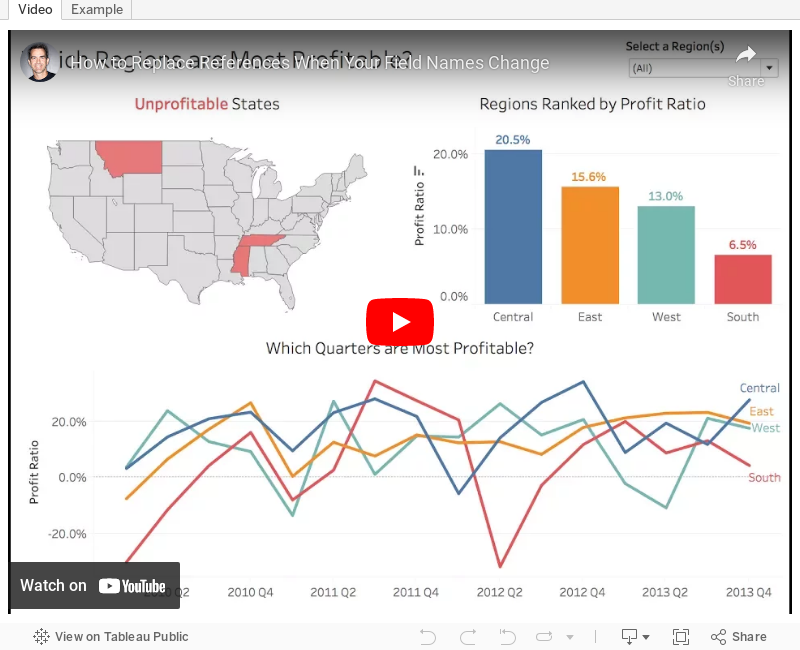
Tableau Tip Tuesday: How to Replace References When Your Field Names Change
In this example, I demonstrate what happens when the data source changes. You could also apply this method when you simply want to swap out all existences of one field for another. For example, you want to change all used of Order Date to Ship Date. Easy peasy!
You can also watch this directly on YouTube here if it doesn't render below.
Subscribe to:
Posts
(
Atom
)






