January 6, 2023
How to Create a Two Color Area Chart in Tableau
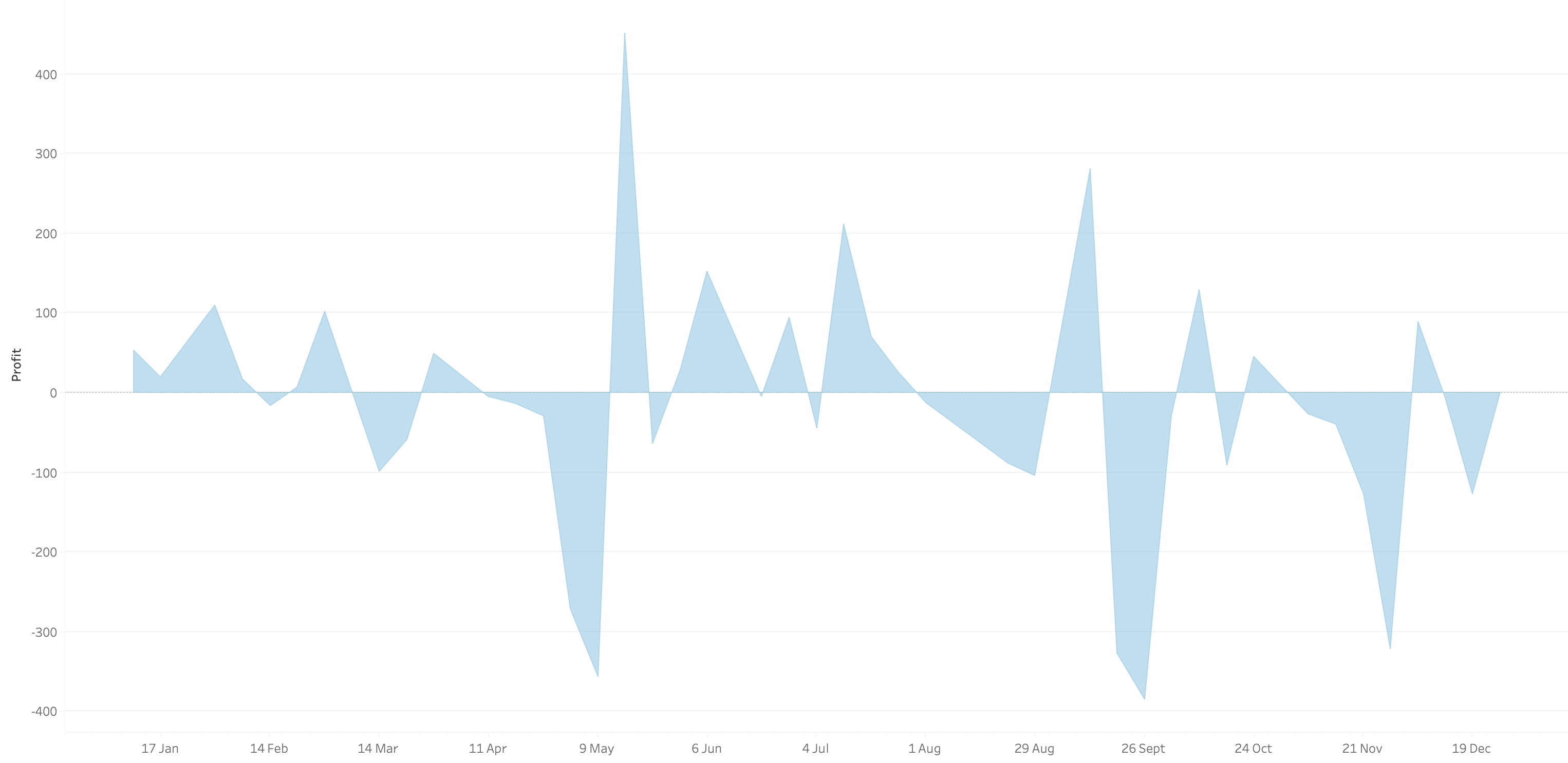
In this week's Watch Me Viz, I showed the problem this tip helps solve. An area chart in Tableau only allows a single color. Like this…
What we want is an area chart like this with two colors.
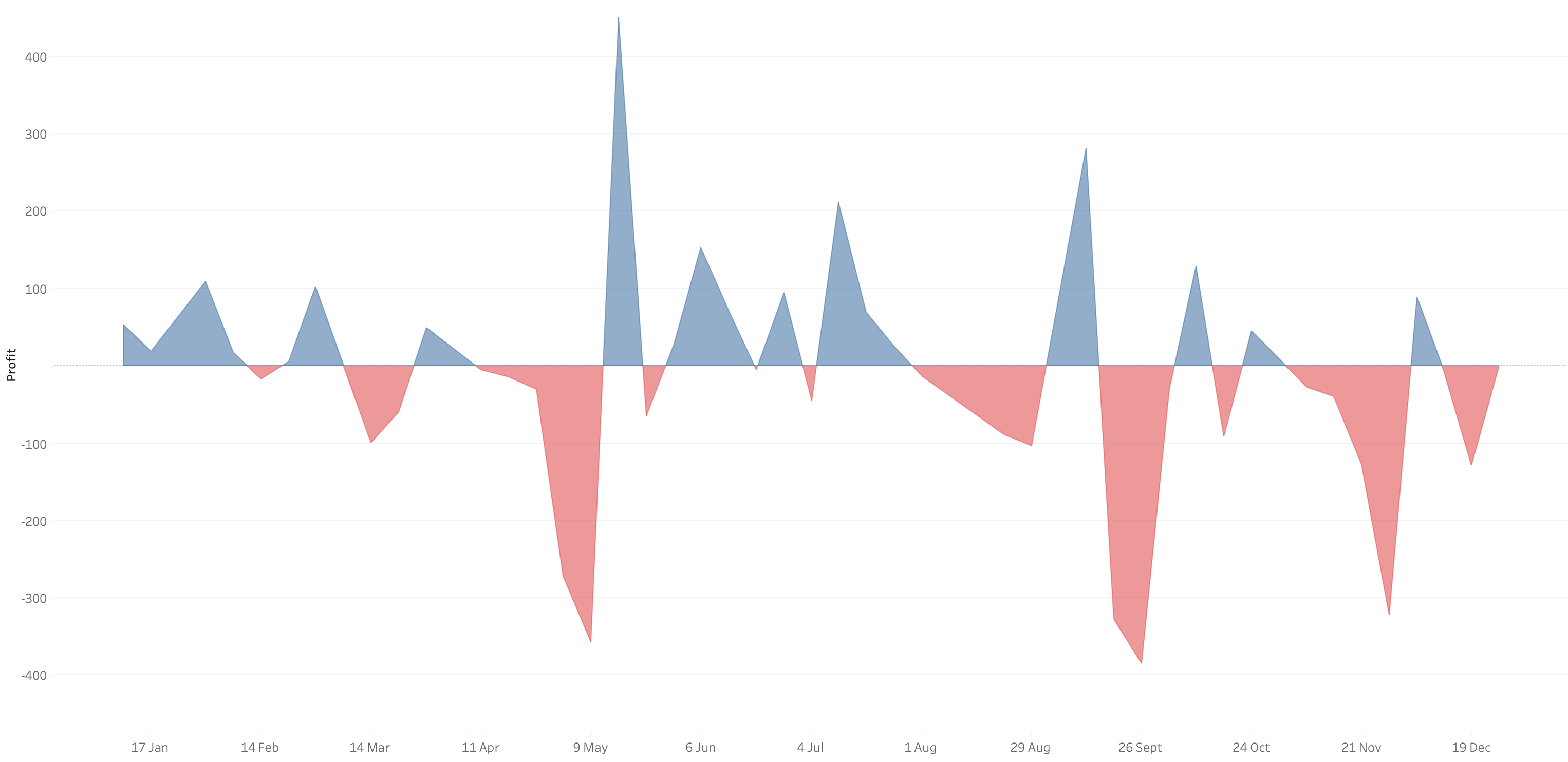
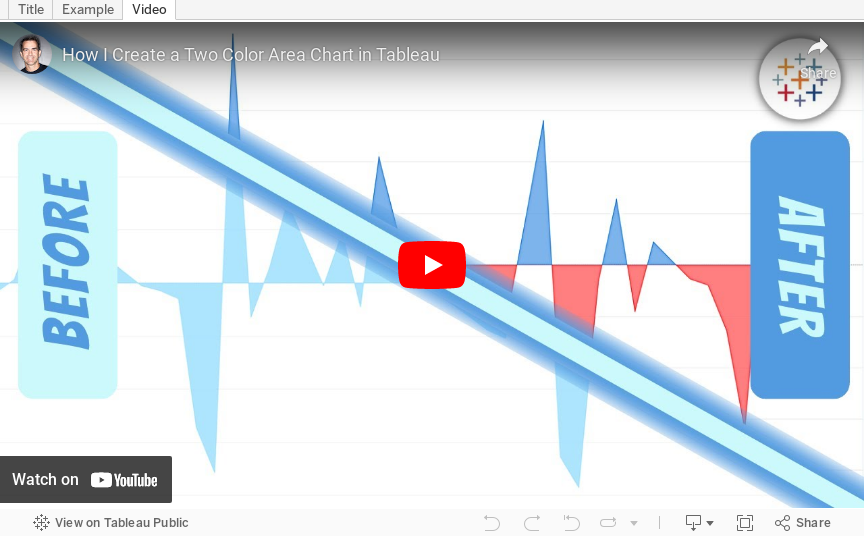
In 9 simple steps, I’ll show you how to build it. Follow along with the video. The 9 steps are listed at the bottom of this post.
STEPS
1. Create the area chart
2. Show what happens when you add a profit to color - you only get one color
3. Duplicate the measure
4. Fix the axes
1. Top axis starts at 0
2. Bottom axis ends at 0
5. Choose a color for each area chart
6. Format the axes to get rid of 0
7. Add reference lines to scale the charts relative to each other
1. WINDOW_MAX(ABS(SUM([Profit])))
8. Duplicate for the negative reference line
9. Formatting
August 31, 2021
How to Compare to the Average with a Bar Chart

Context is important in data visualization. For every chart you create, consider asking yourself "compared to what?"
In this tip, I show you how to add context to a simple bar chart by showing whether a value is above or below the average.

June 28, 2016
Tableau Tip Tuesday: How to Display KPIs Next to Bars

This week’s tip shows you how to perfectly positive KPIs next to bars irrespective of the dimensions in the view. This started as a Data School Gym Challenge if you’d like to have a go at it before you watch the video.






