April 24, 2024
20 Dashboard Design Best Practices
July 25, 2023
The Big Thaw: Exploring the Disappearing Antarctic Sea Ice

- Visualizations from chapter 12 of the Makeover Monday book that showed how to add context to visualizations
- Several of the vizzes from 2018 week 15, each with their own unique take on the data
- The original viz by The Guardian
July 4, 2023
Create 10 ACTIONABLE & IMPACTFUL KPIs in Tableau

What is a KPI?
KPIs are measurable values that indicate how well a business is performing in achieving its key objectives and goals. They provide a clear and concise snapshot of critical areas within a business.
KPIs help to:
Monitor progress
Identify areas of improvement
Make data-driven decisions
In order to do this, KPIs must be tailored to specific goals and strategies.
Making KPIs Actionable
Here are 8 suggestions to ensure that KPIs are actionable and impactful.
Align with business objectives
Focus on relevance and simplicity
Set measurable targets
Collect accurate and timely data
Visualize your KPIs
Regularly review and update
Add context
Drill down
Actionable KPIs are vital for measuring performance and achieving results. You can drive your business forward by aligning data with goals and simplifying and visualizing KPIs effectively
Read more about KPIs in my newsletter here. Sign up so you don't miss any future newsletters at andykriebel.com.
⏬ DOWNLOAD the data, and starter and solution workbooks here. I would appreciate your support to continue making videos for you.
December 8, 2022
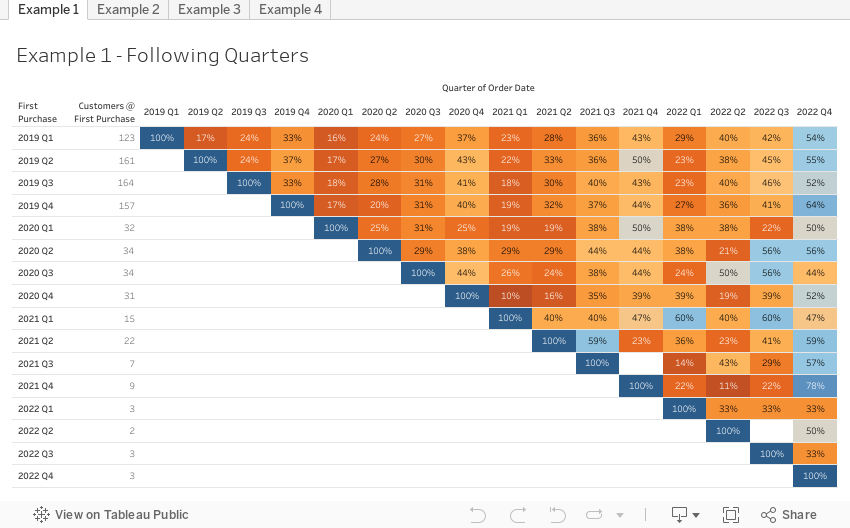
How to Conduct Customer Retention & Cohort Analysis

- First, down the view, the users are divided into cohorts based on when they first installed the app
- Then, across the view, the users are tracked for 10 days after the launch to see who continued to use it.
October 25, 2022
How to Create a 3 Level Drill Down in Tableau
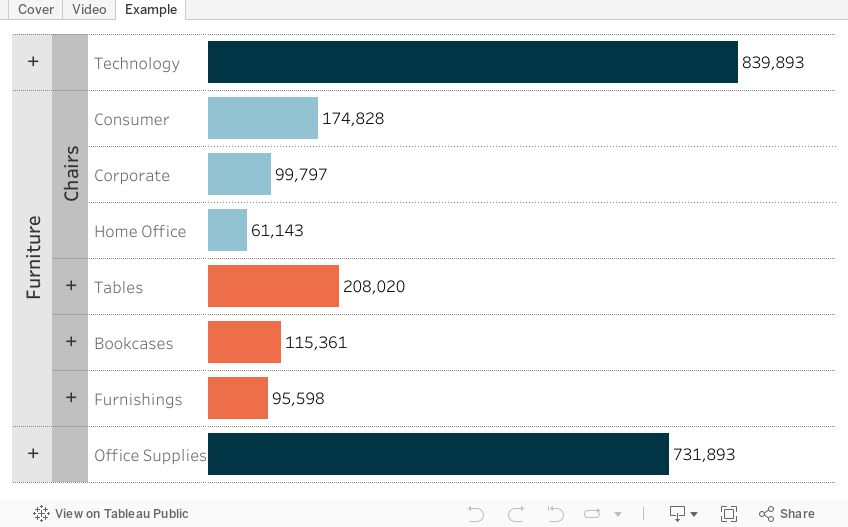
I've showed you in several videos and WatchMeViz live streams how to create a 2 level drill down. And naturally the follow up question is always, how can I go one level deeper? This tip has exactly what you're looking for. I show you how to create a 3 level drill down in Tableau.
This example shows you how to drill down from Category to Sub-Category to Segment. All you need to do for your situation is replace the dimensions I'm using with yours. This will work with any combination of 3 dimensions.
Check out the interactive version below the video.
This type is inspired by this example from Lindsey Poulter - https://public.tableau.com/app/profile/lindsey.poulter8872/viz/SetActionDrilldown/ChooseaMetric
October 3, 2022
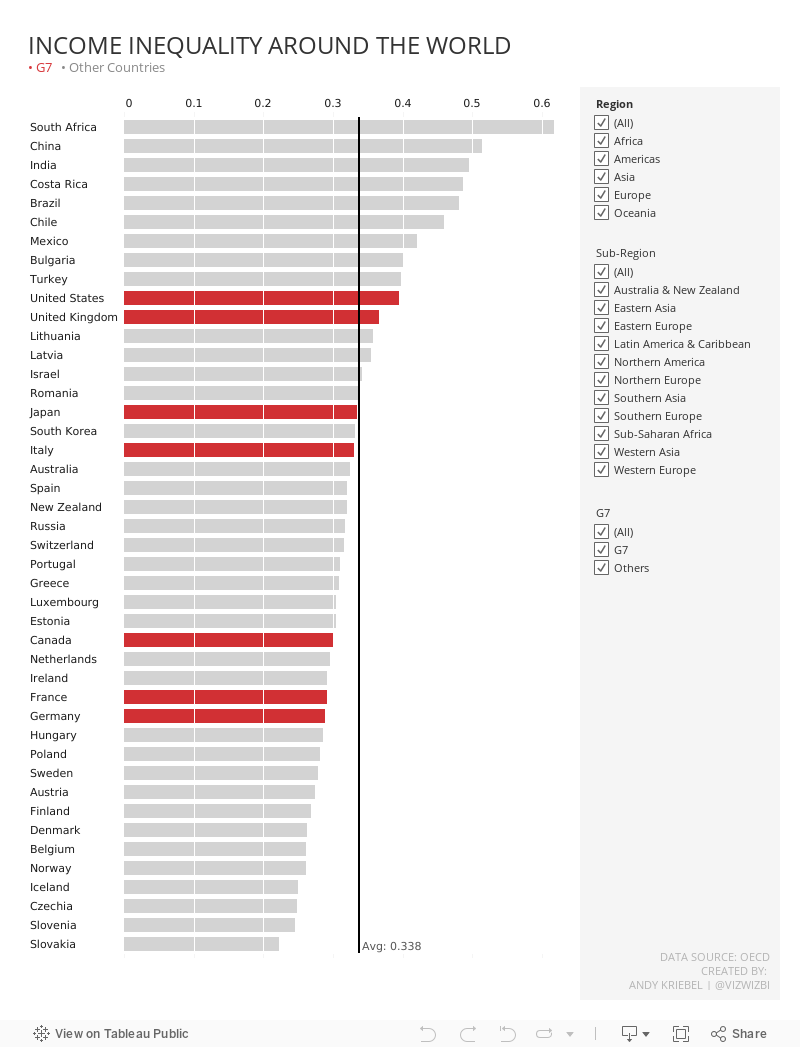
#MakeoverMonday 2022 Week 40 - Income Inequality Around the World

August 17, 2022
Analyzing Seasonality with Cycle Plots
August 11, 2022
10 Methods for Displaying Variance with Bar Charts
Using variance as a measure in bar charts helps you:
- Add context - You can answer the question “compared to what?”
- Make decisions - You can answer the question "what should we do next?"
- Alert you to areas that need focus
In this video, I show you 10 ways to add variance to bar charts. Get the workbook here.
August 4, 2022
ATTR - The Most Confusing Aggregation in Tableau
- What an attribute is
- Why the attribute aggregation exists
- Examples that show how it works
- The difference between ATTR and other aggregations like MIN & MAX
- How Tableau write the ATTR aggregation as a formula
- How to ensure you're not misleading your audience
- How to work around the pesky *
June 28, 2022
How to Use the Highlighter to Set a Default Color Palette
June 14, 2022
How to Create a Two-Panel Column Chart
June 7, 2022
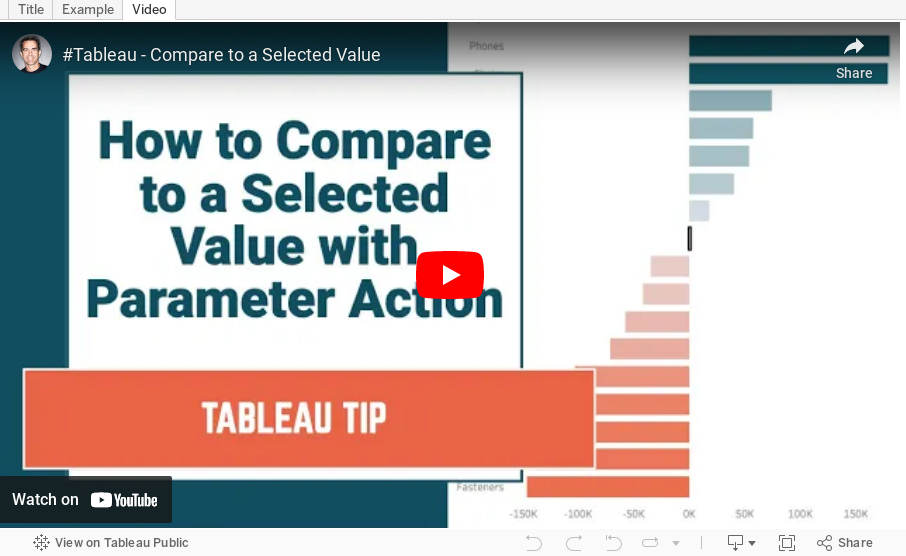
How to Compare to a Selected Value with a Parameter Action

May 31, 2022
Proportional Brushing with a Set Action

May 11, 2022
How to Color BANs by Positive or Negative Change
April 19, 2022
How to Calculate YTD vs. Prior YTD Based on a Selected Date
April 12, 2022
How to Show Data for Only Completed Periods
April 5, 2022
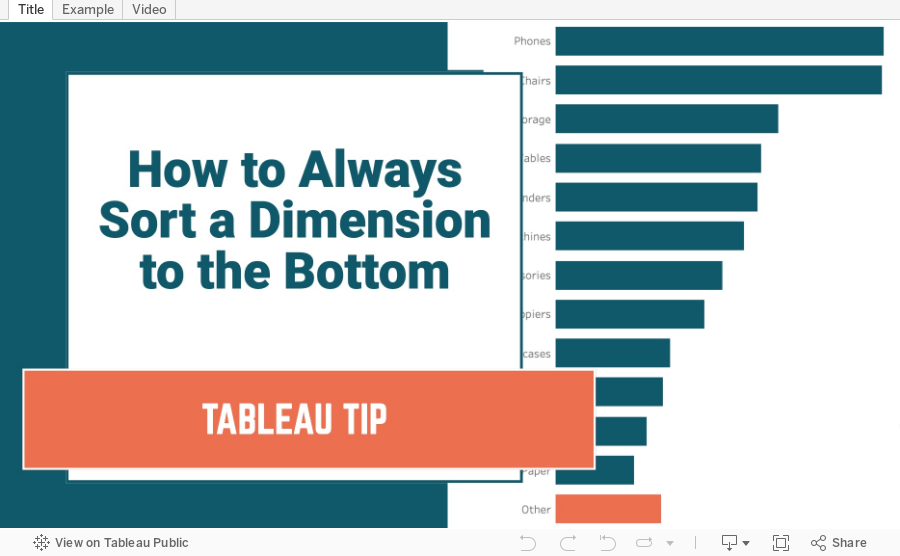
How to Always Sort a Dimension to the Bottom of a Chart
March 29, 2022
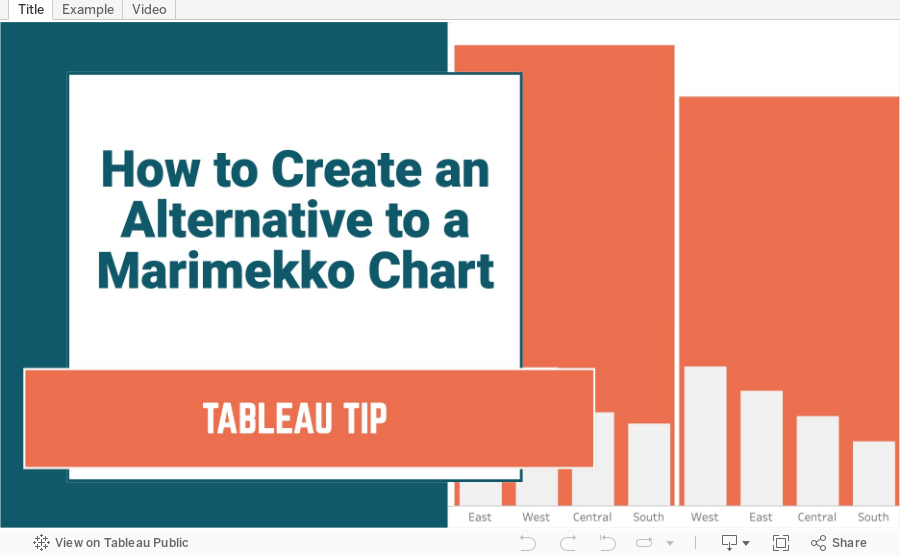
How to Create an Alternative to a Merimekko Chart
A Merimekko Chart, also known as a variable width bar chart, is useful for comparing both high-level data and low-level data in the same chart. However, since we have size variables for both the width of the bars AND the height of the bars, comparing different segments of the chart is more challenging than it needs to be. Read more about the problems with Merimekko charts here.
In this example, I show you how to make an alternative to a traditional Merimekko Chart. I show you how to compare both category sales and regions sales within each category at the same time.
This can be easily replicated by simply swapping out the dimensions and updating one LOD calculation. Alternatively, you could use two parameters to allow the user to pick both the high-level and low-level dimensions and a third parameter for the measure to compare.
March 22, 2022
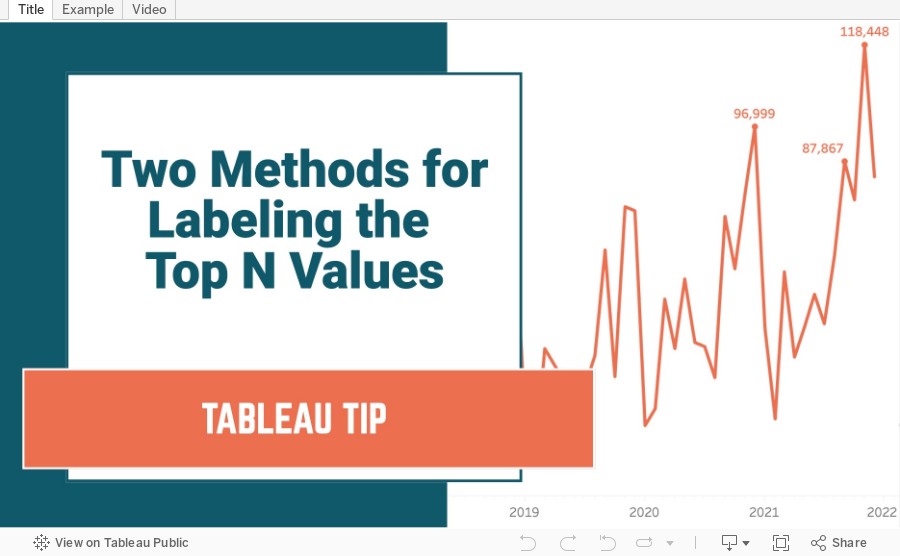
Two Methods for Labeling the Top N Values in a Chart
In this tip I show you how to use the INDEX and RANK functions to label the top N values in a chart. I also explain the difference in how they work, and how the RANK function is simpler to configure.
March 11, 2022
How to Include Multiple Dimensions on the Color Shelf
- You can have more than two dimensions on the color shelf. Simply repeat the steps for adding a second color.
- This only works for dimensions, as I show in the video.
- You do not have to use Sets for this to work; I used that in my example for simplicity.






